JB Geometry
Shape junctions visually.
A focused WME builder for drawing, editing, and recreating Junction Box geometry directly on the map — with live shape controls, color previews, snapping, keyboard shortcuts, and one-click creation.
Scroll to explore
Built around the map, not a form.
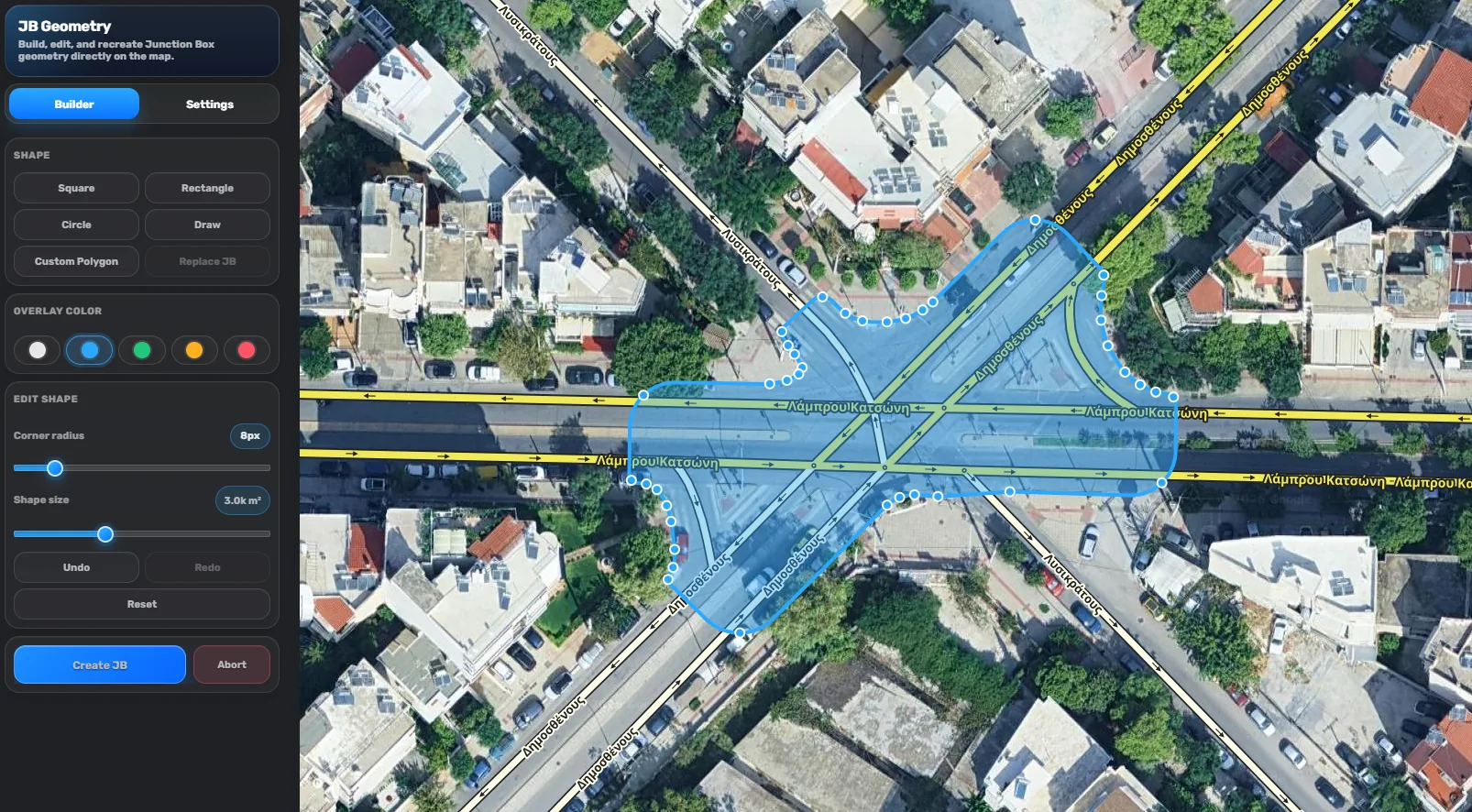
The tool keeps the builder panel compact while the geometry stays front and center. Shapes are shown directly over imagery and WME segments, so you can judge alignment before creating the Junction Box.
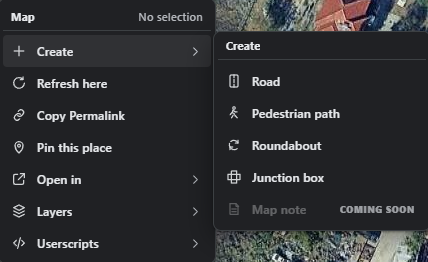
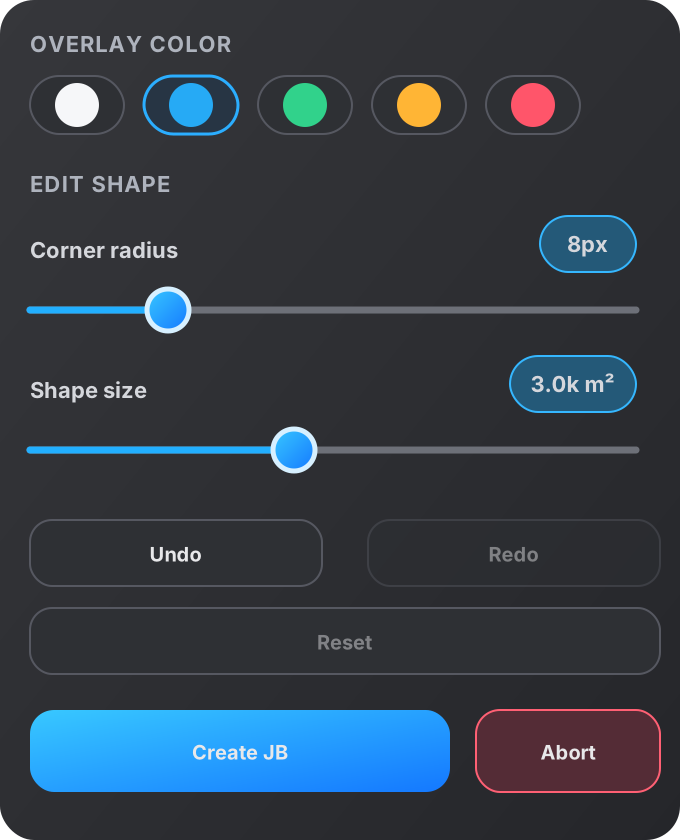
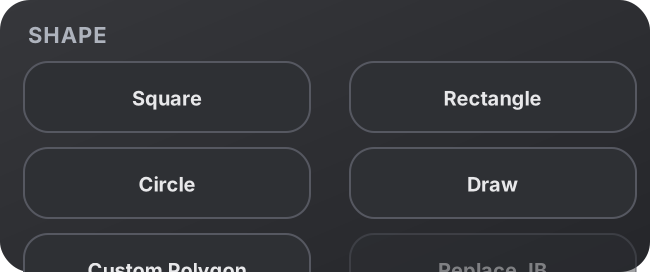
Square, rectangle, circle, draw mode, and custom polygon workflows.
Live overlay colors for blue, green, orange, red, or neutral previews.
Corner radius and shape-size sliders update the preview immediately.
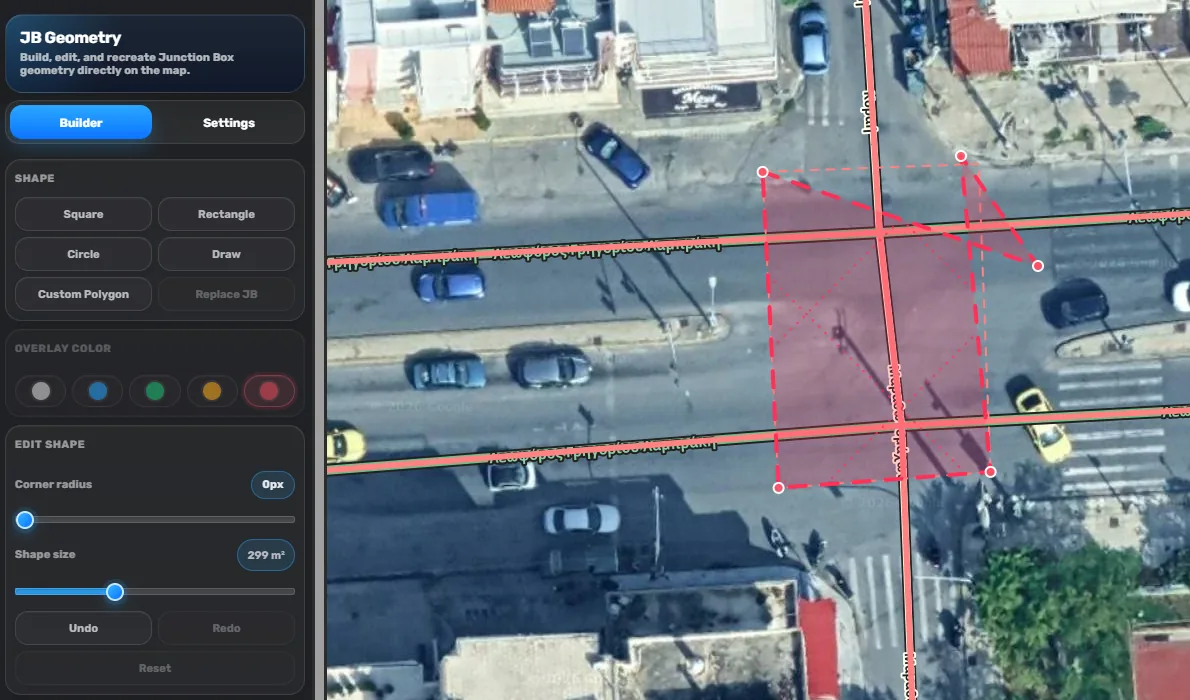
Warnings before bad geometry gets created.
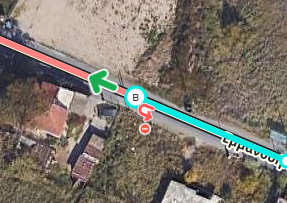
The red overlay is used when a custom or drawn shape becomes weird, invalid, or unsupported for Junction Box creation. It makes the problem obvious, so you can move vertices, undo, reset, or abort before saving a broken shape.
Unsupported shape warningFix verticesUndo / RedoAbort safely
Designed for clean geometry, without slowing WME down.
JB Geometry keeps the workflow visual: pick a base shape, adjust it, draw a custom polygon when needed, then create the Junction Box only when the preview is right.
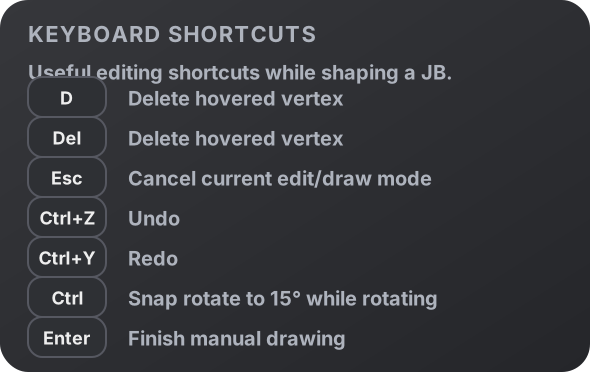
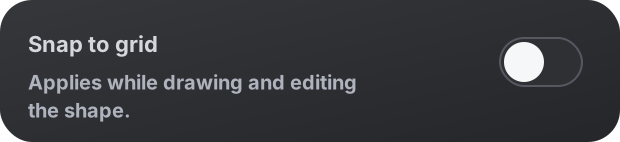
Builder modeSettings modeCustom polygonSnap to gridKeyboard shortcuts